
AI can genuinely give you back 10 hours a week
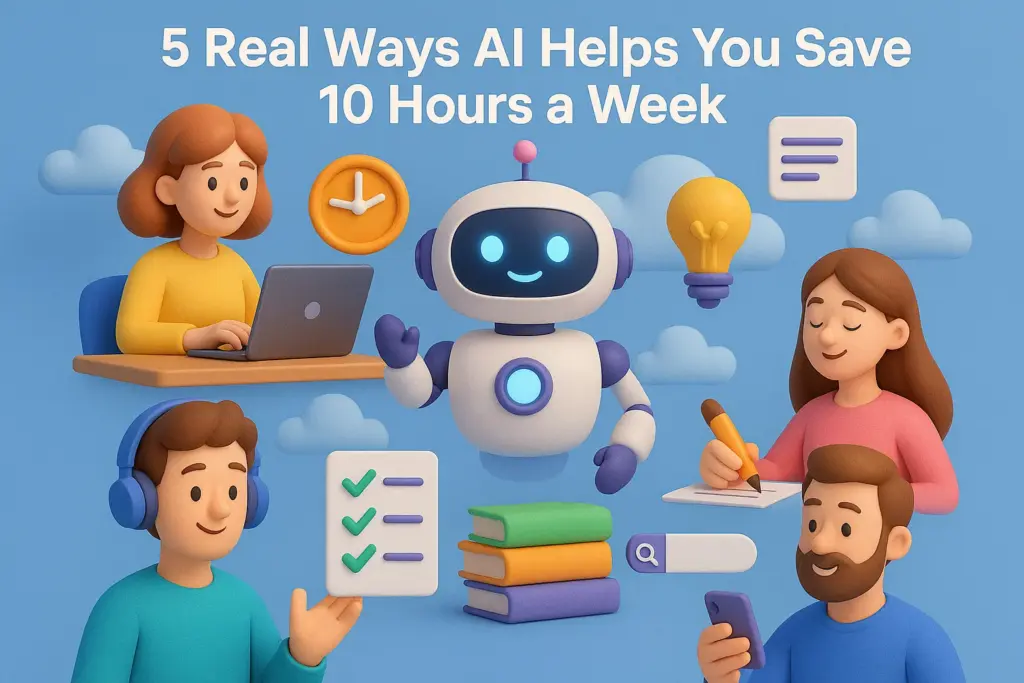
Five proven, practical ways AI saves time every single week
If you feel like your to-do list keeps growing while your time keeps shrinking—you’re not alone.
The good news? AI can genuinely give you back 10 hours a week, even if you’re not a tech expert.
From freelancers to small teams, everyone is now using AI to reduce manual work, speed up tasks, and stay more productive with less effort.
Below are five proven, practical ways AI saves time every single week—with examples and tools you can start using today.
1. AI Automates Repetitive Daily Tasks
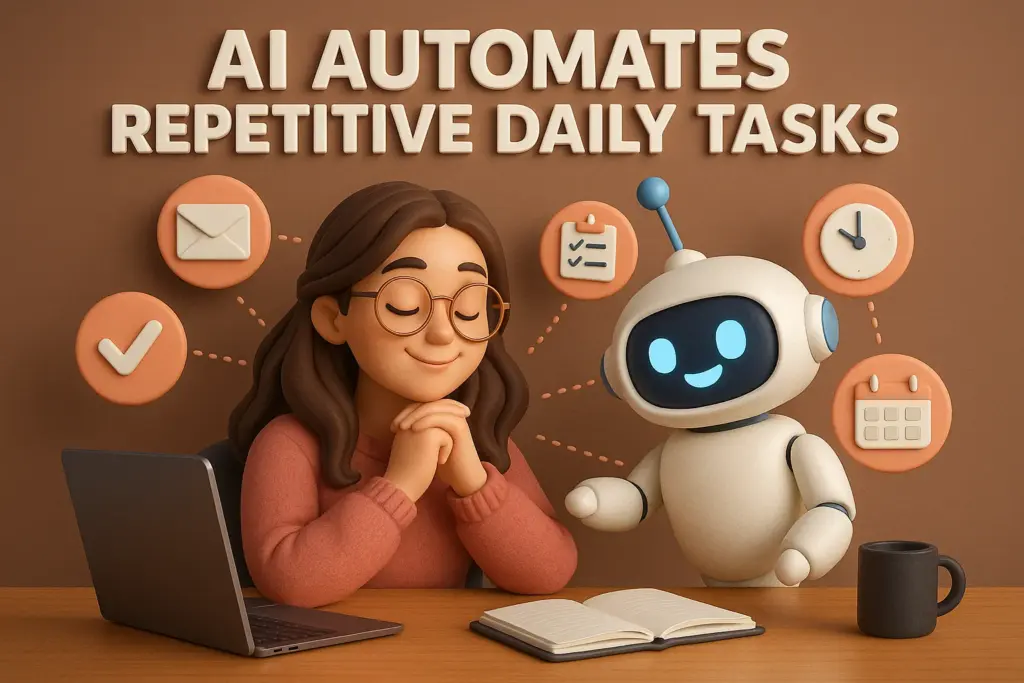
Most people waste hours every week on small but time-consuming tasks—copy-paste work, sorting data, scheduling, sending routine emails, etc.
AI tools now automate these completely.
Real Ways You Save Time
- Auto-organizing emails
- Auto-creating weekly reports
- Auto-scheduling meetings
- Auto-moving files to correct folders
Best Tools
- Zapier / Make.com – automate workflows without coding
- Notion AI – auto-generate summaries, task lists, meeting notes
- ChatGPT – generate emails, plans, outlines instantly
Average time saved: 2–3 hours per week
2. AI Writes and Edits Content in Minutes
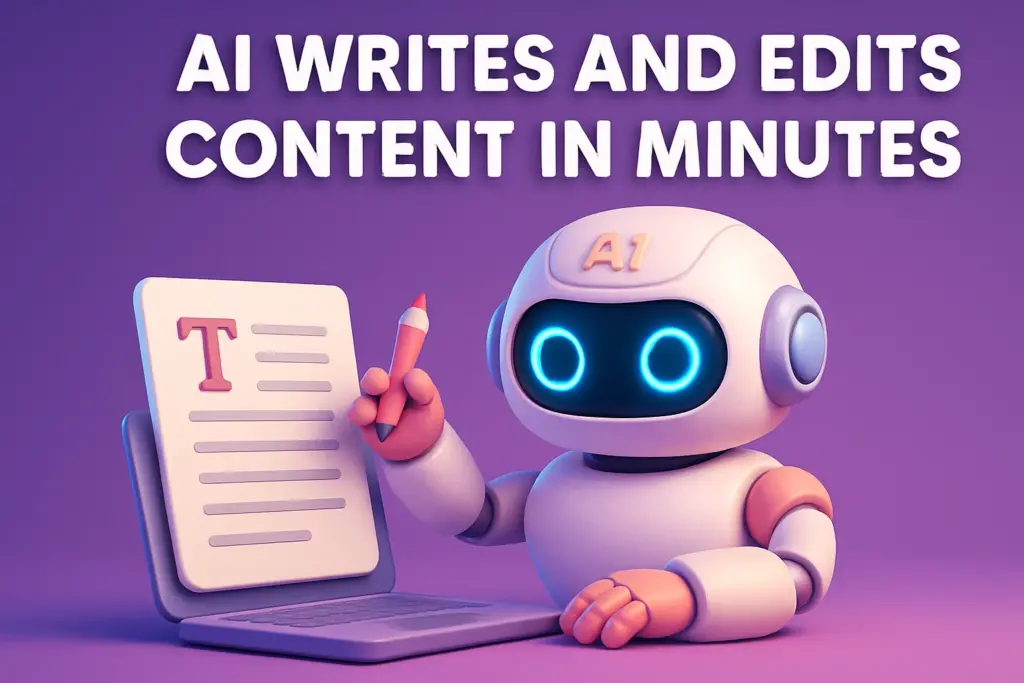
Whether you’re writing emails, blog posts, descriptions, or proposals—AI cuts writing time by 80%.
How It Saves Time
- Write first drafts
- Improve tone, grammar, clarity
- Create SEO outlines
- Rewrite long text into short summaries
Best Tools
- ChatGPT
- Jasper
- Grammarly
Average time saved: 3 hours per week
3. AI Helps With Research and Quick Answers
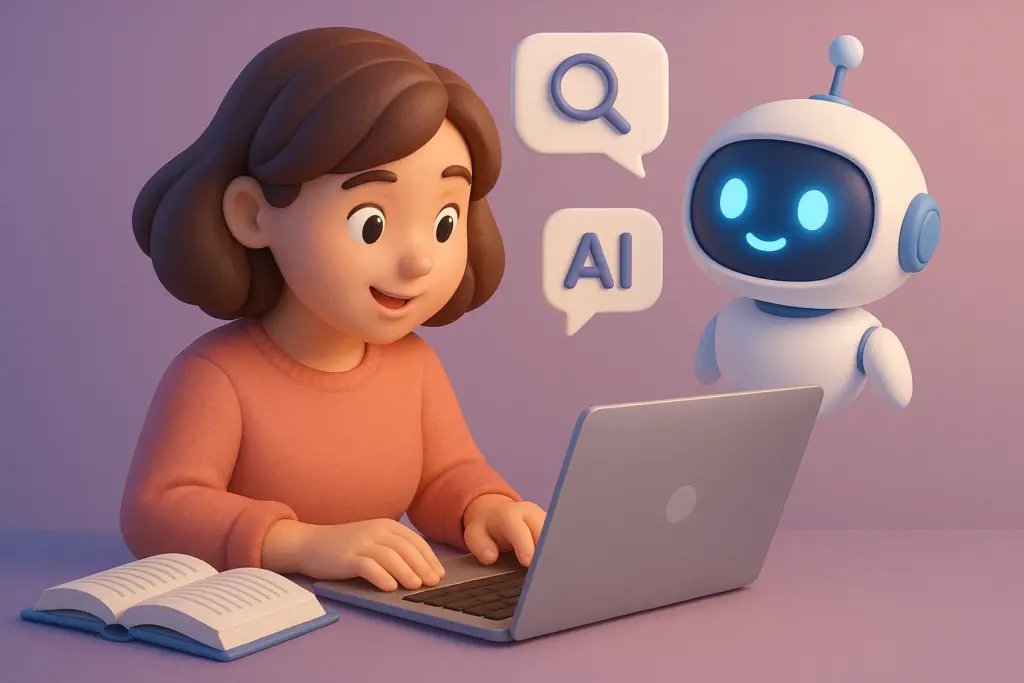
Instead of browsing 10 websites, AI gives direct answers, summaries, comparisons, and insights.
Examples
- “Compare the best tools for X.”
- “Summarize this 30-page PDF.”
- “Explain this topic in simple language.”
- “Give me trends for 2025 in XYZ industry.”
Best Tools
- Perplexity AI
- ChatGPT with browsing
Average time saved: 1–2 hours per week
4. AI Handles Admin and Personal Tasks
AI can act as your virtual personal assistant.
Examples
- Creating grocery lists
- Planning weekly meals
- Organizing travel plans
- Writing and scheduling social posts
- Managing calendars
Best Tools
- Google Gemini
- Reclaim AI – auto-prioritizes tasks
- Motion – schedules your entire day automatically
Average time saved: 1–1.5 hours per week
5. AI Speeds Up Design, Video, and Creative Work
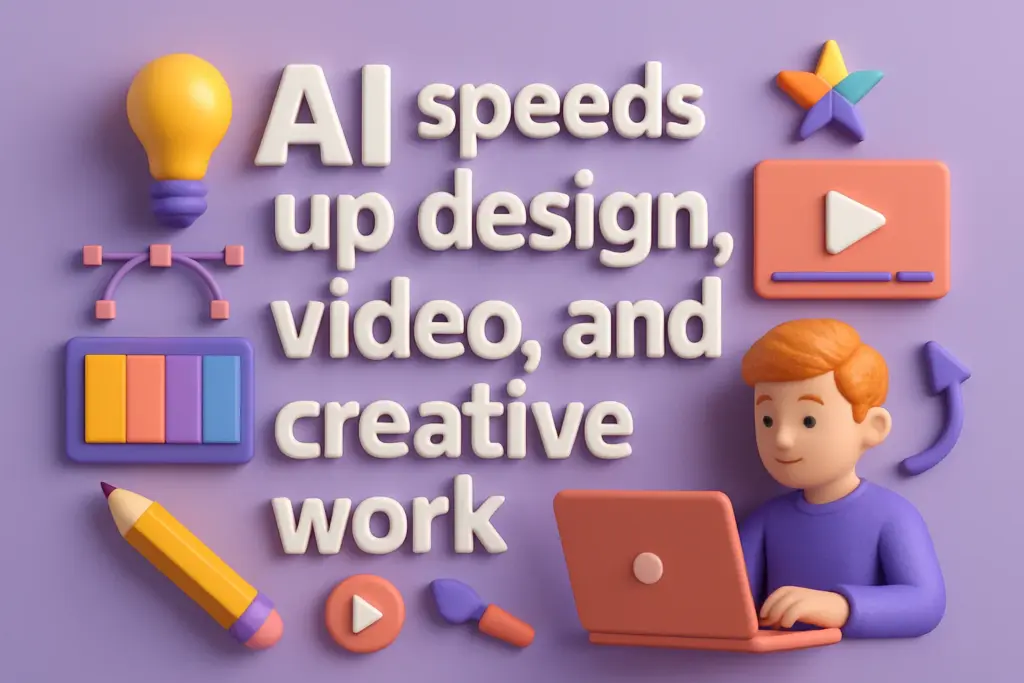
Before AI, creating visuals and videos took hours.
Now? Minutes.
Examples
- Generate thumbnails
. Introduction
- What does it mean for AI to “speed up” creative work?
- Why this matters now: the rise of generative AI (images, video, text)
- Big-picture benefits: efficiency, scalability, more time for high-level creativity
2. AI in Design
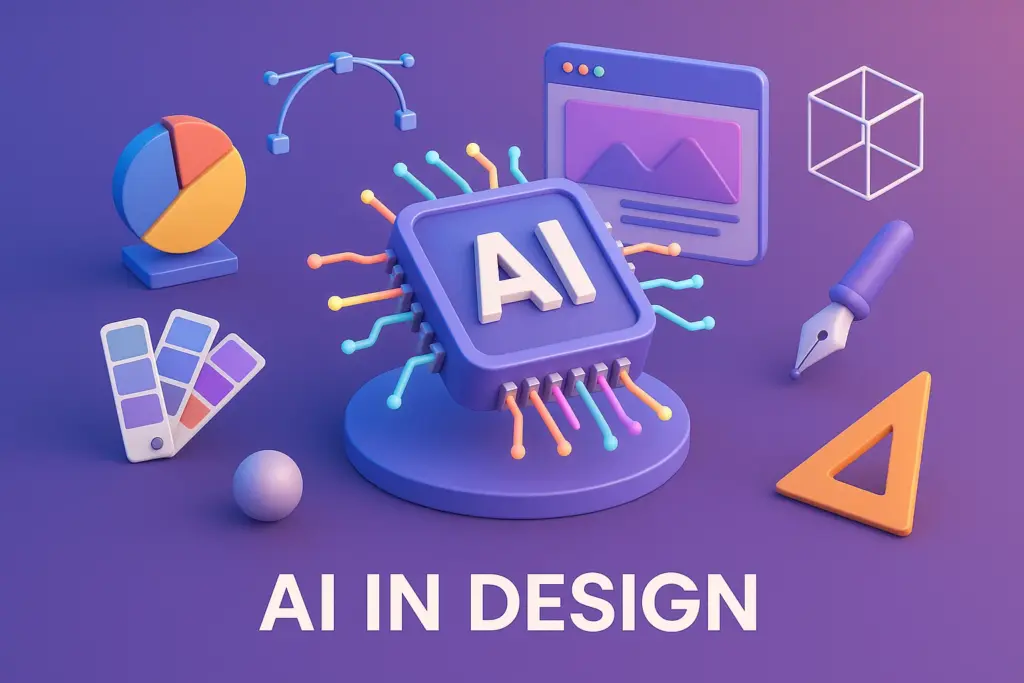
a) Automating Repetitive Tasks
- AI can handle mundane and repetitive design tasks (e.g., layout adjustments, color correction, resizing) so designers can spend more time on ideation. Yellowbrick+2jilpublishers.com+2
- Example: AI tools analyze design trends or user preferences to generate design variations. jilpublishers.com+1
b) Rapid Ideation and Sketch Generation
- At the early stage of design, AI can generate multiple concept sketches from simple prompts. Clausius Press
- This helps designers explore more directions quickly, rather than being stuck on one idea.
c) Enhancing Creativity + Human-AI Collaboration
- AI doesn’t replace human creativity; it augments it. According to researchers, AI “can significantly enhance” creative thinking by generating more ideas quickly so humans can focus on critical evaluation. UOC
- Designers can refine AI-generated drafts, remix them, or use them as springboards.
3. AI in Video Production & Editing
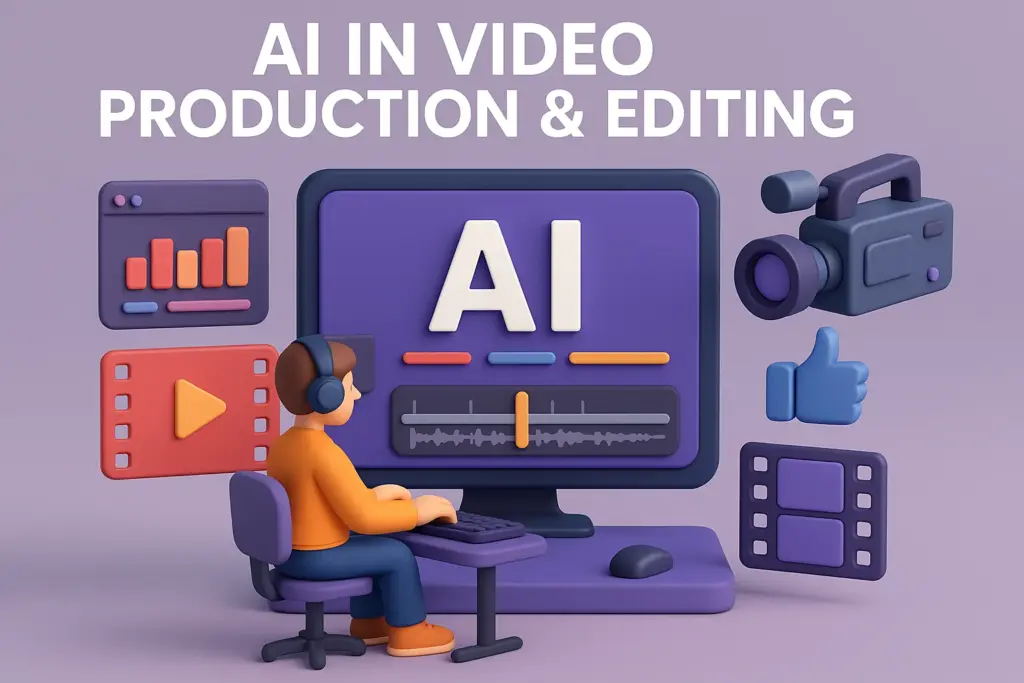
a) Speeding Up Editing
- AI-powered video editors can do a lot of the heavy lifting: scene detection, rough cuts, color correction, even special effects. Reelmind+1
- This reduces manual work and significantly shortens video production cycles.
b) Smart Post-Production
- After the raw edits, AI can optimize videos (e.g., fix lighting, stabilize footage, improve audio) using vision + deep learning models. Clausius Press
- In the post-production phase, AI helps improve quality without the tedious back-and-forth that manual editing demands. Clausius Press
c) Natural Language & Sketch-Based Editing
- Newer systems let users edit video via natural language commands + sketches. For example, ExpressEdit allows you to say “trim this part” or draw a rough shape where you want a transition, and the AI understands. arXiv
- This is powerful for non-expert editors, enabling more intuitive workflows.
d) Personalization & Content Optimization
- AI can help tailor video content based on audience data—optimizing for what viewers like, which boosts engagement. istaer.online
- It can also recommend distribution strategies or adapt content formats for different platforms.
4. Broader Impacts on Creative Industries
a) Productivity Gains
- Creatives save time on ideation, production, and editing — enabling them to produce more content or take on more ambitious projects. pixelynth.com
- According to studies, a significant portion of tasks in design, media, and entertainment could be automated or augmented by AI. UOC
b) Changing Roles & Skillsets
- The role of creatives is shifting: less manual execution, more supervision, prompt engineering, and creative direction.
- There are ethical and practical considerations: authorship, ownership of AI-generated content, and where to draw the line between AI assistance and creative control. SpringerLink+1
c) New Tools & Platforms
- Tools like Adobe Firefly are integrating with creative suites to enable text-to-image, text-to-video generation. Wikipedia
- Creative platforms are also rethinking workflows to embed AI deeply into design and production.
5. Challenges and Risks
- Quality vs Speed: Faster generation doesn’t always mean better creative quality — human review is still crucial.
- Ethics & Copyright: Who owns AI-generated content? There are debates around originality. UOC
- Over-reliance: If creatives rely too heavily on AI, they might lose some of their own skill or distinctive voice.
- Access & Inequality: Advanced AI tools may not be equally accessible to all creators, which could widen gaps.
6. Future Outlook
- AI tools will become more integrated and multimodal (text, image, video all working together).
- We’ll likely see more “AI + human” hybrid creative workflows, where AI handles the bulk and humans fine-tune.
- As AI improves, creative industries will need new frameworks for rights, credit, and ethical use.
7. Conclusion
- AI is not just a productivity hack — it’s reshaping how we think about creativity.
- It speeds up mundane tasks, but more importantly, it allows creatives to spend more time on higher-value work.
- The future of creative work will be about partnership between humans and AI.