
Introduction
Remote work has become the new normal, and freelancers are leading the way. But with so many tools and platforms available, many freelancers feel confused about what to use, how to stay productive, and how to grow their income.
In this guide, we’ll explore the best tech, tools, apps, and strategies that help freelancers work smarter — not harder.

Why Remote Work Is the Future for Freelancers
Remote work offers freedom, flexibility, and global opportunities.
Some key benefits:
- Work from anywhere
- Choose your own hours
- Earn in global currencies
- Use tech automation to save time
- Access clients worldwide
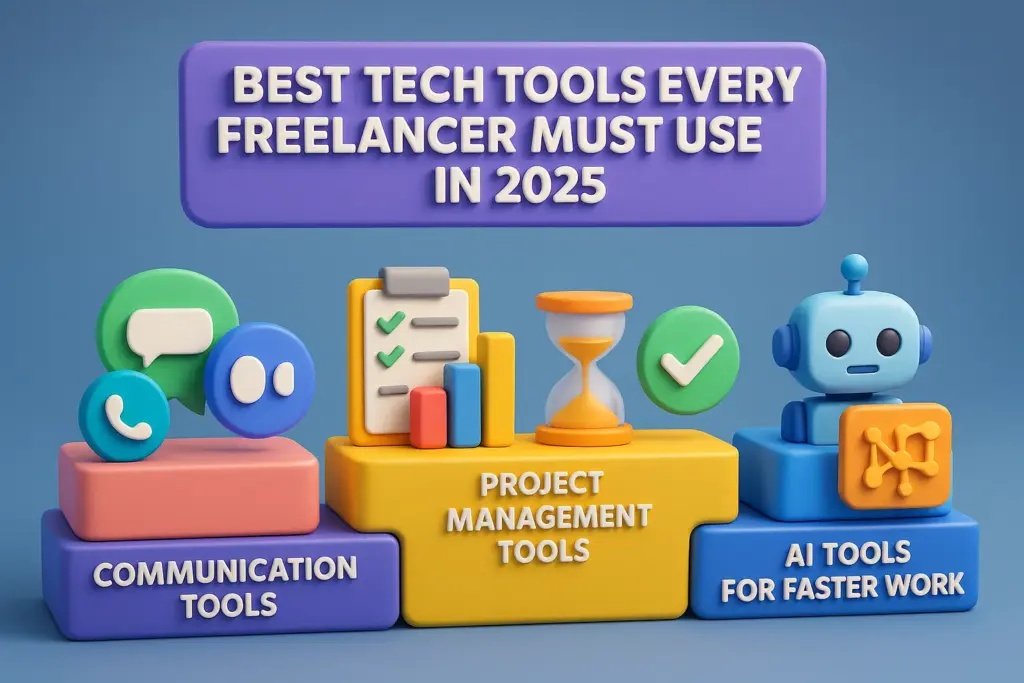
Best Tech Tools Every Freelancer Must Use in 2025
1. Communication Tools
- Zoom – client meetings
- Google Meet – free & simple
- Slack – team messaging
2. Project Management Tools
- Trello
- Notion
- ClickUp
These tools help you track deadlines, tasks, and conversations.
3. Time Management & Productivity
- Clockify – time tracking
- Notion – planning
- Todoist – daily task manager
4. Finance & Invoicing Tools
- PayPal
- Wise
- Wave Invoicing
5. AI Tools for Faster Work
- ChatGPT
- Grammarly
- Canva AI Design
AI can save freelancers 10+ hours every week.
Where Freelancers Can Find Remote Work
Here are the top platforms where you can find global freelance clients:
- Upwork
- Fiverr
- Freelancer
- RemoteOK
- FlexJobs
Tips to Boost Productivity While Working Remotely
- Set a fixed workspace
- Follow a daily routine
- Use time-tracking apps
- Avoid multitasking
- Take short breaks
- Use automation tools

How to Increase Your Freelance Income Using Tech
- Use AI to complete tasks faster
- Create templates & sell them
- Offer premium services
- Market yourself on LinkedIn
- Use productivity tools to handle more clients
1. Tech Tools for Freelancers
Tech tools for freelancers are digital apps and software that help freelancers manage their work more efficiently. These tools make it easier to communicate with clients, organize projects, track time, manage finances, and deliver high-quality work faster.
Examples include: Canva, Notion, Trello, Zoom, Grammarly, ChatGPT, and Clockify.
Examples of Tech Tools
- Zoom & Google Meet – for client meetings
https://support.zoom.com › article
- Canva – for design and branding
https://www.canva.com - Notion / Trello / ClickUp – project management
- https://clickup.com/
- Grammarly – writing improvement
- https://www.grammarly.com/
- ChatGPT – AI content and productivity
- https://chatgpt.com/
- Clockify – time tracking
- https://clockify.me/
- Dropbox / Google Drive – file storage
- https://workspace.google.com/products/drive/
Benefits
- Save hours of work
- Deliver projects professionally
- Communicate better with clients
- Boost productivity
- Increase earnings
2. Freelance Productivity
Freelance productivity means how effectively a freelancer can complete tasks, meet deadlines, and deliver quality work while managing their own schedule. It includes using the right tools, staying focused, managing time well, and avoiding distractions so freelancers can earn more in less time.
3. Remote Work Tips
Remote work tips are practical suggestions and strategies that help freelancers work better from home or anywhere. These tips include setting up a calm workspace, using productivity apps, avoiding multitasking, managing time, improving communication with clients, and keeping a healthy work-life balance.
4. Best Tools for Freelancers
The best tools for freelancers are top-rated apps and platforms that support daily freelance activities such as project management, designing, writing, communication, invoicing, and file sharing. These tools help freelancers stay organized, productive, and professional while working with clients around the world.
Conclusion
Remote work and modern tech tools give freelancers everything they need to earn more, work better, and grow globally. Start using these tools, stay updated with technology, and your freelance career will grow faster than ever in 2025.