
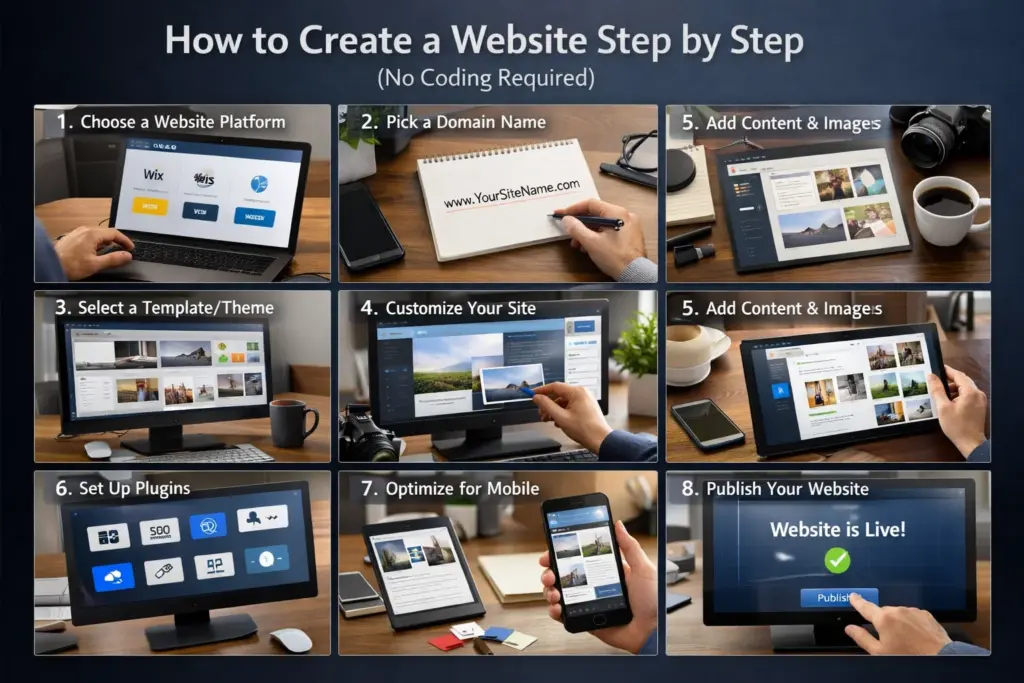
Introduction
This blog is part of our Technology & Website Guides for Beginners, where we explain websites and technology in simple and easy English.
Many beginners think creating a website is difficult and requires coding.
The good news is:
You can create a website without coding, even if you are a beginner.
In this guide, I will explain step by step how anyone can create a website easily.
Step 1: Decide the Purpose of Your Website
Before creating a website, you must decide why you need it.
Common purposes:
- Business website
- Blog website
- Portfolio website
- Educational website
- Personal website
Knowing your purpose helps you design the right website.
Step 2: Choose a Domain Name
A domain name is your website address.
Example:
- yourbusiness.com
- myblog.com
Tips for choosing a domain:
- Keep it short and simple
- Easy to remember
- Avoid numbers and symbols
- Use .com if possible
Step 3: Buy Web Hosting
Web hosting is the place where your website files are stored.
Think of it like:
- Domain = address
- Hosting = house
For beginners:
- Shared hosting is best
- Affordable and easy to manage
Most hosting companies offer 1-click WordPress installation.
Following trusted hosting links:
🔹 Bluehost (Official WordPress Recommended)
https://www.bluehost.com/wordpress/wordpress-hosting
Why Bluehost?
- 1-Click WordPress install
- Beginner-friendly dashboard
- Free domain for 1st year
🔹 Hostinger
https://www.hostinger.com/wordpress-hosting
Why Hostinger?
- Very easy 1-click WordPress setup
- Fast performance
- Affordable plans for beginners
🔹 SiteGround
https://www.siteground.com/wordpress-hosting
Why SiteGround?
- Managed WordPress hosting
- One-click installation
- High security & speed
🔹 GoDaddy
https://www.godaddy.com/hosting/wordpress-hosting
Why GoDaddy?
- One-click WordPress install
- Popular and widely used
- Easy control panel
Step 4: Install WordPress (No Coding)
WordPress is the most popular website platform in the world.
Why WordPress is best for beginners:
- No coding required
- Easy dashboard
- Thousands of free themes
- SEO friendly
Just click “Install WordPress” in your hosting panel.
Step 5: Choose a Theme (Website Design)
A theme controls how your website looks.
Beginner tips:
- Choose a simple and clean theme
- Mobile-friendly design
- Fast loading
Popular beginner themes:
- Astra
- OceanWP
- Hello Elementor
Step 6: Create Important Pages
Every website should have these pages:
- Home
- About Us
- Services
- Blog
- Contact
These pages help visitors understand your website easily.
Step 7: Install Useful Plugins
Plugins add extra features to your website.
Must-have plugins for beginners:
- SEO plugin (for Google ranking)
- Security plugin
- Contact form plugin
- Caching plugin (speed)
Install only necessary plugins to keep your site fast.
Step 8: Add Your Content
Now add:
- Text
- Images
- Blog posts
- Service details
Content tips:
- Write in simple language
- Use headings
- Keep paragraphs short
- Focus on user problems
Step 9: Make Your Website Mobile Friendly
Most users visit websites from mobile phones.
Check:
- Text readability
- Button size
- Page loading speed
Good themes automatically support mobile devices.
Step 10: Publish Your Website
Once everything looks good:
- Check all pages
- Test links
- Fix errors
Click Publish and your website is live on the internet.
Website Creation Cost (Beginner Idea)
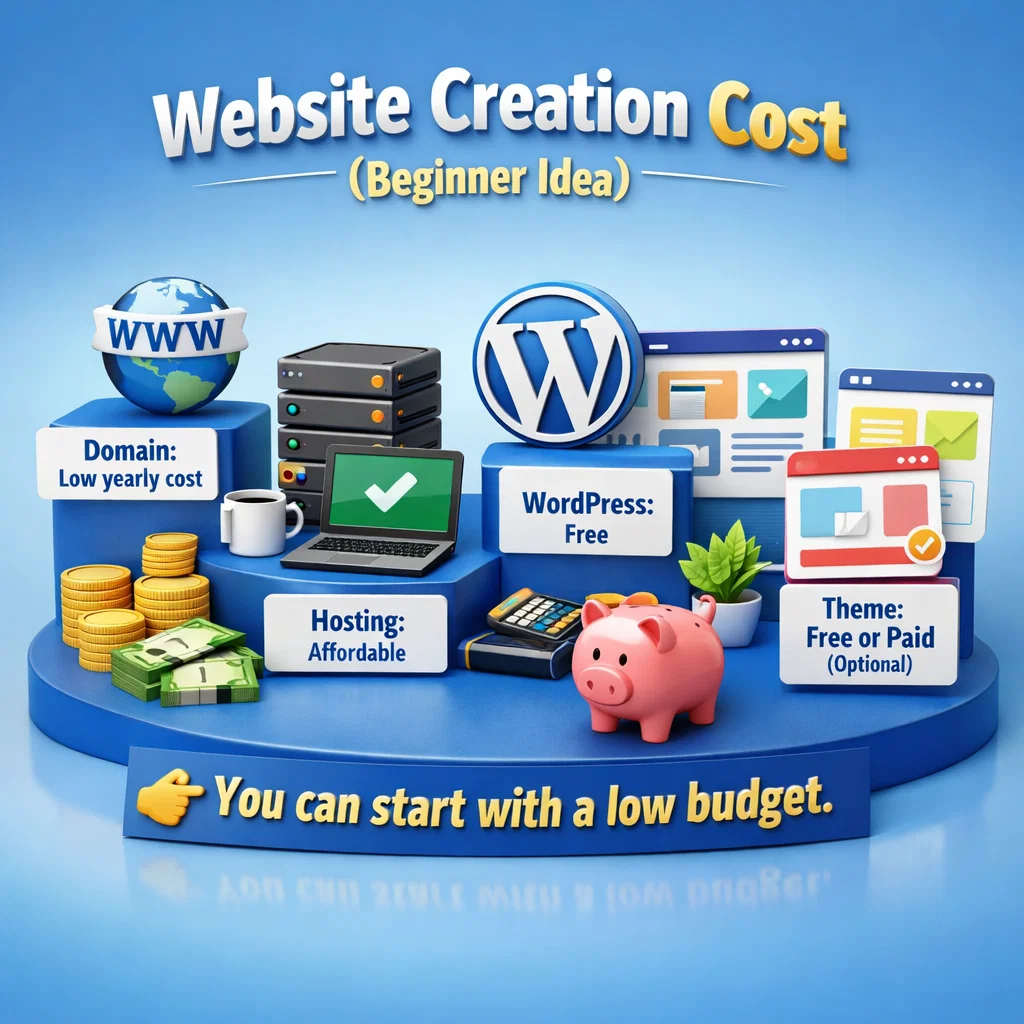
For beginners, website cost is usually:
- Domain: Low yearly cost
- Hosting: Affordable
- WordPress: Free
- Theme: Free or paid (optional)
You can start with a low budget.
Frequently Asked Questions (FAQs)
❓ Can I create a website without technical knowledge?
Yes. WordPress and website builders are made for beginners.
❓ How long does it take to create a website?
A basic website can be created in 1–3 days.
❓ Do I need coding?
No. Coding is not required for beginner websites.
Final Words
Creating a website is easy if you follow the right steps.
You don’t need to be a developer or programmer.
If you are a beginner, WordPress is the best choice to start your online journey.