

Learn how freelancers can automate client reporting using AI tools.
Save hours every week, improve transparency, and deliver professional reports automatically. As freelancers, we spend a lot of time updating clients, sharing progress screenshots, analytics, task lists, and monthly summaries. The truth is—client reporting takes time, and most of it is repetitive. Thanks to AI automation, freelancers can now save 3–10 hours per week, deliver professional reports, and impress clients without extra effort.
Let’s see how.
Why Client Reporting Matters for Freelancers
Clients want to know:
what is being done
what results came this week/month
what value they are getting for money
- Regular reporting increases:
- Trust
- Retention
- Higher renewal rates
- Referrals
A freelancer who updates clients on time looks professional and reliable.
What is AI Client Reporting?
AI client reporting uses automation tools like: \
ChatGPT
Notion AI
Zapier
Google Analytics AI
Sheets Automations
Jasper
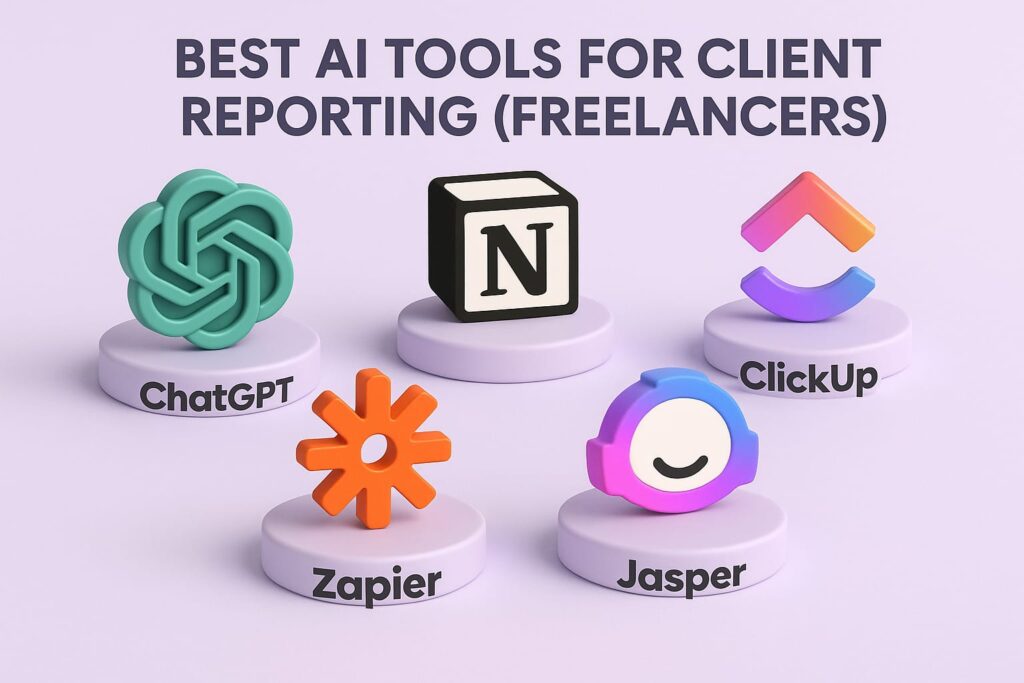
Best AI Tools for Client Reporting (Freelancers)
| Tool | What It Does |
| ChatGPT | Generates reports automatically |
| Notion AI | Project updates + client dashboards |
| Zapier | Connects tools for automation |
| Google Analytics AI | Automated website performance reports |
| ClickUp AI | Task + project reporting |
| Jasper | Marketing performance summaries |
How to Automate Reporting with ChatGPT
Step 1 – Collect project data
Use tools like:
Google Analytics
Google Search Console
YouTube Analytics
Facebook Ads
Fiverr/Upwork stats
Step 2 – Paste weekly summary into ChatGPT
Example prompt
“Write a weekly client performance report using this data. Include achievements, analytics, recommendations, next steps, and key insights. Keep tone professional.”
Step 3 – Customize report
ChatGPT will automatically format:
KPIs
monthly summary
recommendations
upcoming tasks
Performance Highlights:
• Traffic increased by ___%
• Leads generated ___
• Conversions improved ___
Upcoming Actions:
• Plan next content batch
• Optimize keywords
• Monitor engagement
Automate Reports with Google Analytics + AI
Google Analytics already has automated:
data summaries
performance insights
audience trends
Just enable:
Insights
Email monthly summary
How to Automate Client Reporting Using Zapier
Zapier can send:
weekly summaries
task updates
email reports
analytics data
PDF reports
Example automation:
Collect data → format report → send to client email
Add Visual Dashboards
Use dashboards like:
Databox
Google Looker Studio
ClickUp dashboards
Clients see live results anytime—no reporting needed.
Best Niches for AI Reporting
This works for:
SEO freelancers
Social media managers
YouTube managers
PPC ads managers
Virtual assistants
Graphic designers
Web developers
How AI Helps Freelancers Earn More
- Automation increases:
- productivity
- client satisfaction
- scalability
You can handle more clients without extra workload.
Conclusion
Automated client reporting is the future of freelancing. AI helps you:
work smarter
deliver better reports
save hours weekly
impress clients
increase retention
The more professional your reports, the more clients trust your work.