
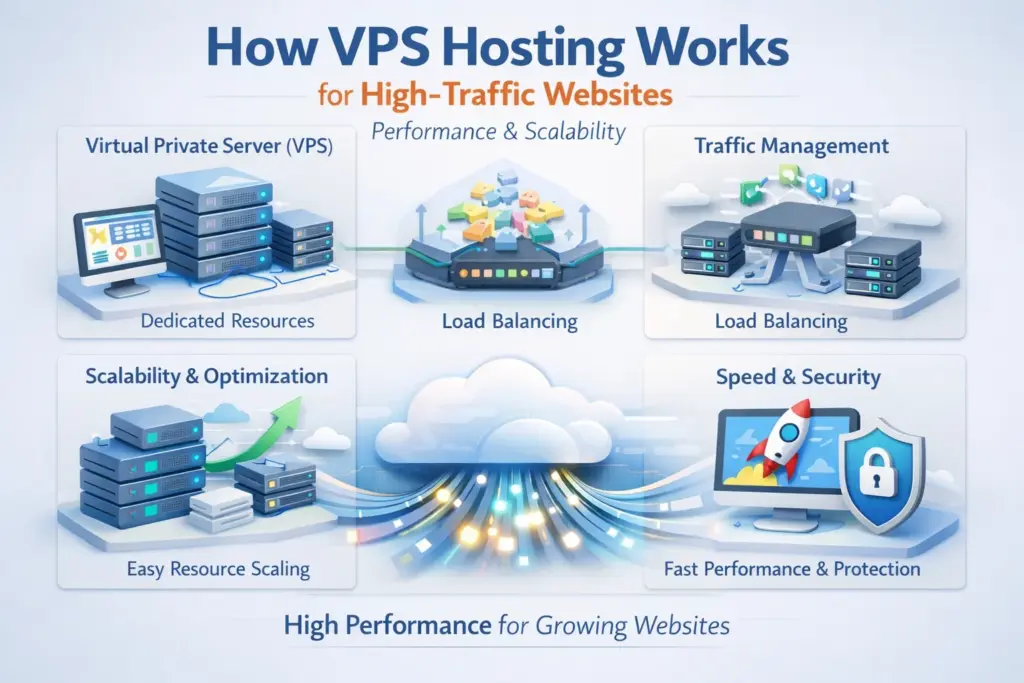
Introduction
When a website starts receiving high traffic, shared hosting often fails to handle the load. Slow page speed, frequent downtime, and security risks become common. This is where VPS (Virtual Private Server) hosting becomes the ideal solution.
In this guide, you’ll learn how VPS hosting works, why it’s perfect for high-traffic websites, and how it improves performance, security, and scalability.
What Is VPS Hosting?
VPS hosting is a type of web hosting where a physical server is divided into multiple virtual servers using virtualization technology. Each VPS works like an independent server with:
- Dedicated CPU
- Dedicated RAM
- Dedicated storage
- Its own operating system
Unlike shared hosting, your resources are not shared with random websites.
How VPS Hosting Works (Step-by-Step)
1 Physical Server Virtualization
A powerful physical server is divided using a hypervisor (such as KVM or VMware). Each virtual server operates independently.
2 Dedicated Resources Allocation
Each VPS gets fixed resources. Even if another VPS receives traffic spikes, your website remains unaffected.
3️ Operating System Control
You can install Linux or Windows, configure the server, and run custom software like:
- Nginx / Apache
- PHP-FPM
- MySQL / MariaDB
- Redis / Memcached
4 Traffic Handling
When traffic increases:
- Requests are processed faster
- CPU and RAM handle concurrency efficiently
- No throttling like shared hosting
Why VPS Hosting Is Best for High-Traffic Websites
Improved Performance
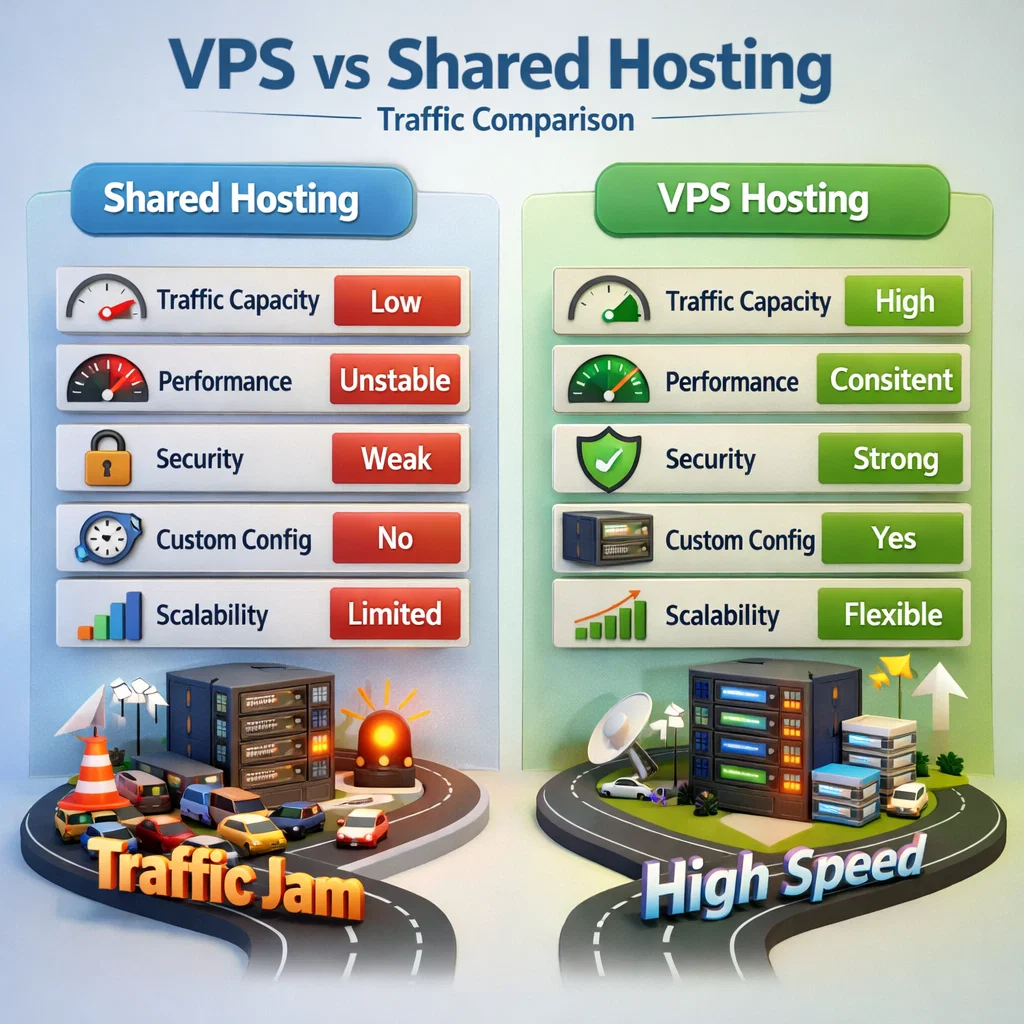
Dedicated resources ensure fast page load times even during peak traffic.
Better Security
Isolation between servers reduces malware and hacking risks.
Scalability
Easily upgrade RAM, CPU, or storage without downtime.
Full Server Control
Install custom configurations optimized for your application.
VPS vs Shared Hosting (Traffic Comparison)
When Should You Switch to VPS Hosting?
You should move to VPS if:
- Website gets 10,000+ daily visitors
- Pages load slower than 3 seconds
- Frequent 500 or 503 errors
- Running Laravel, WordPress, or SaaS apps
Best VPS Configuration for High Traffic
Recommended stack:
- OS: Ubuntu 22.04
- Web Server: Nginx
- Backend: PHP-FPM
- Database: MySQL or MariaDB
- Cache: Redis
- Security: Firewall + Fail2Ban
SEO Benefits of VPS Hosting
VPS hosting directly improves SEO by:
- Faster page speed
- Better uptime
- Improved Core Web Vitals
- Lower bounce rate
Google favors fast and stable websites.
Common VPS Hosting Mistakes
❌ Choosing low RAM plans
❌ No server monitoring
❌ Ignoring caching
❌ Not optimizing database
Final Thoughts
VPS hosting is the best choice for high-traffic websites that need speed, security, and scalability. It bridges the gap between shared hosting and dedicated servers while remaining cost-effective.