
Laravel project structure, Laravel directories explained, Laravel for beginners

Introduction
If you are new to Laravel, one of the first things that can confuse you is its folder structure. Laravel follows the MVC (Model–View–Controller) architecture, and each folder has a specific purpose.
In this beginner-friendly guide, we’ll explain the Laravel folder structure in simple words, so you understand where to write code, where files are stored, and how everything works together.
Root Directory Structure in Laravel
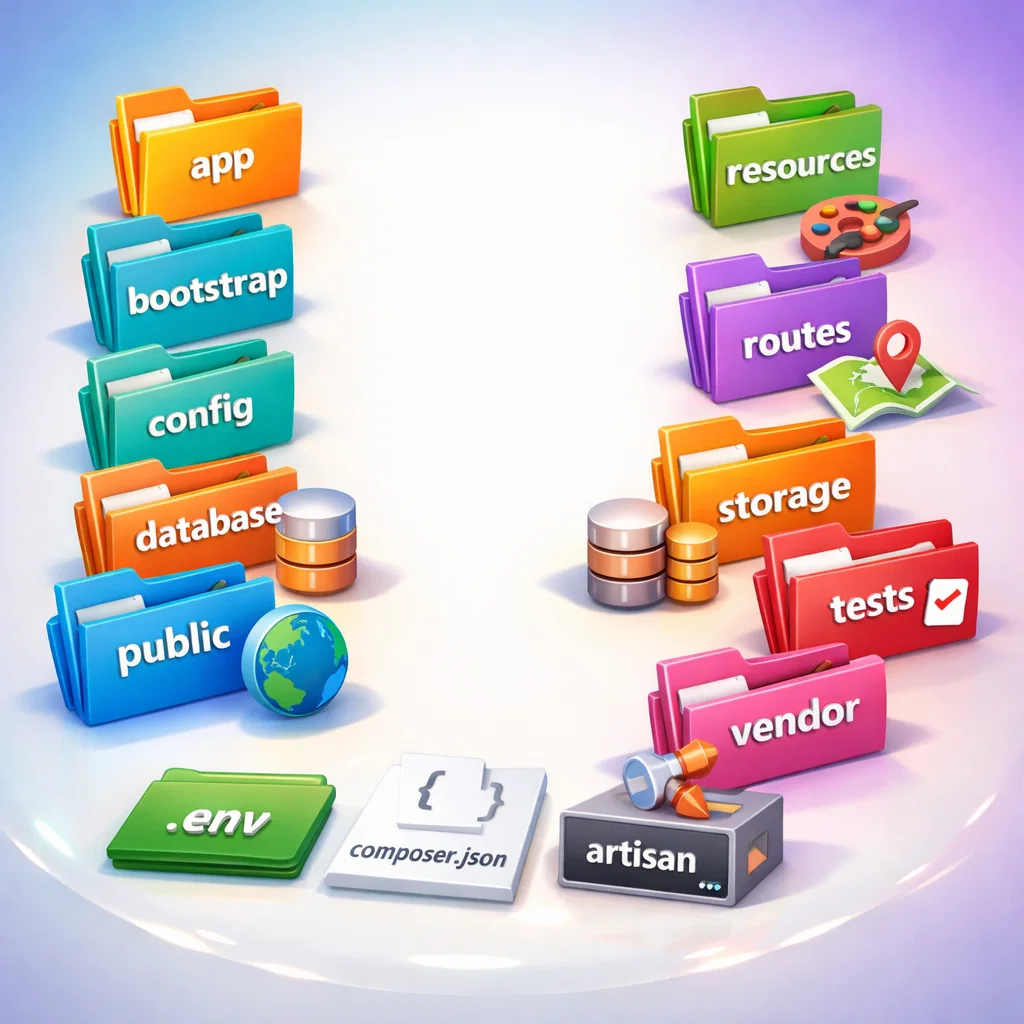
When you create a new Laravel project, you’ll see folders like this:
app
bootstrap
config
database
public
resources
routes
storage
tests
vendor
.env
composer.json
artisan
Let’s explain each folder one by one.
1. app Folder (Core Application Logic)
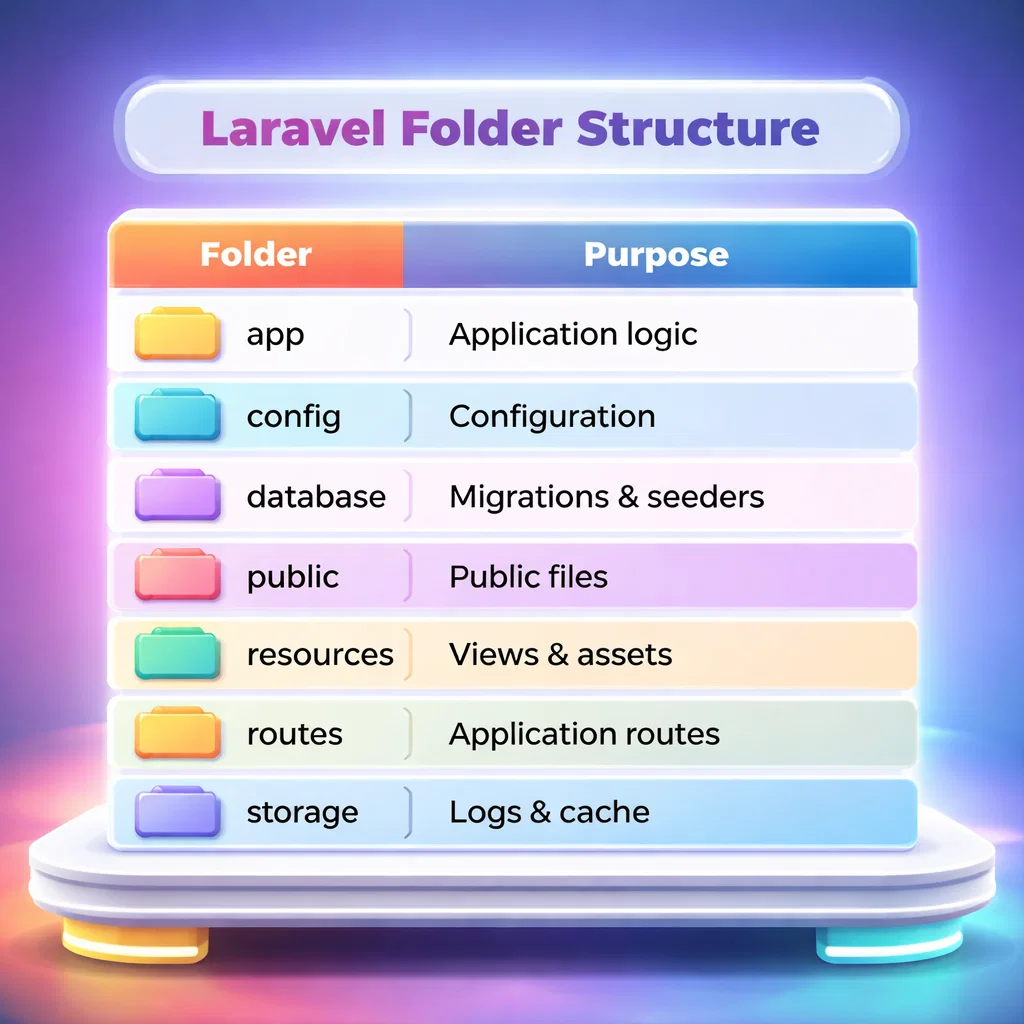
The app folder is the heart of your Laravel application.
Important subfolders:
- Http – Contains Controllers, Middleware, and Requests
- Models – All Eloquent models (database tables)
- Providers – Service providers that boot your app
Example:
If you create a controller:
app/Http/Controllers/UserController.php
This is where business logic lives.
2. bootstrap Folder (Application Bootstrapping)
The bootstrap folder helps Laravel start and load properly.
- Contains files that bootstrap the framework
- Mostly used internally by Laravel
Beginners usually don’t need to change anything here.
3. config Folder (Configuration Files)
The config folder stores all configuration files.
Examples:
- app.php – Application settings
- database.php – Database configuration
- mail.php – Email settings
You can change behavior of Laravel without touching core code.
4. database Folder (Database Related Files)
This folder is used for database operations.
Contains:
- migrations – Database table structure
- seeders – Sample data
- factories – Fake data for testing
Example migration path:
database/migrations/2026_01_01_create_users_table.php
5. public Folder (Publicly Accessible Files)
The public folder is the only folder accessible from the browser.
Contains:
- index.php – Entry point of Laravel
- CSS, JS, images
- Uploaded files (optional)
Your website loads from:
public/index.php
6. resources Folder (Views & Frontend Assets)
This folder contains:
- views – Blade templates
- css / js – Frontend assets
- lang – Language files
Example Blade file:
resources/views/welcome.blade.php
This is where HTML + Blade lives.
7. routes Folder (Application Routes)
The routes folder defines URLs of your application.
Common route files:
- web.php – Web routes
- api.php – API routes
- console.php – Artisan commands
Example route:
Route::get(‘/users’, [UserController::class, ‘index’]);
8. storage Folder (Logs & Cache)
The storage folder stores:
- Logs
- Cached files
- Uploaded files
Important subfolders:
- logs
- framework
- app
Make sure this folder has write permissions.
9. tests Folder (Testing Files)
This folder is used for:
- Feature tests
- Unit tests
Useful when writing automated tests.
10. vendor Folder (Dependencies)
The vendor folder contains:
- Laravel core files
- Third-party packages installed via Composer
Never edit this folder manually.
Important Root Files
.env
- Environment configuration
- Database credentials
- App key
artisan
- Command-line tool
- Used to run Laravel commands
Example:
php artisan serve
Why Laravel Folder Structure Is Important
- Keeps code clean & organized
- Easy to maintain large projects
- Follows MVC best practices
- Beginner-friendly once understood
Conclusion
Understanding the Laravel folder structure is the first step to mastering Laravel. Once you know where things belong, development becomes faster, cleaner, and more professional.
If you’re a beginner, focus on:
✅ app
✅ routes
✅ resources
✅ database
The rest will become easy with practice.